Your partner at
the point-of-care
What we do
As a leading provider of point-of-care diagnostic solutions, we enable healthcare practitioners across clinical settings and geographies to improve patient outcomes and clinical workflows.

Where you’ll find HemoCue
Clinical settings
01
Primary Care
01
Primary Care
When your clinic runs effectively, you have the freedom to provide the best care for your patients. HemoCue’s point-of-care testing systems enable quick and accurate results so that treatment decisions can be made with your patient still in the room.
Read more02
Hospital Care
02
Hospital Care
In a hospital setting, time is of the essence. Whether detecting internal bleeding in a busy emergency department or monitoring a patient in the intensive care unit, you can benefit from access to immediate, lab-accurate results at the point of care.
Read more03
Public Health
03
Public Health
By providing access to accurate screening tools ideal for use even in field-settings, we help public health workers protect the children shaping our future.
Read more04
Blood Banks
04
Blood Banks
In a blood bank, protecting the donor and making the donation process as smooth and safe as possible is crucial. By using a point-of-care hemoglobin test, you can meet the changing needs while protecting the source.
Read moreHealth areas
02
Infections
02
Infections
Effective point-of-care tools for infection screening giving you fast and accurate results, in combination with observations of a patient’s symptoms, can support quick decision-making.
Read more03
Diabetes
03
Diabetes
Reliable and accurate systems for screening, aiding in diagnosing and monitoring of diabetes are key for high quality patient care.
Read moreMeet us at our
regional offices
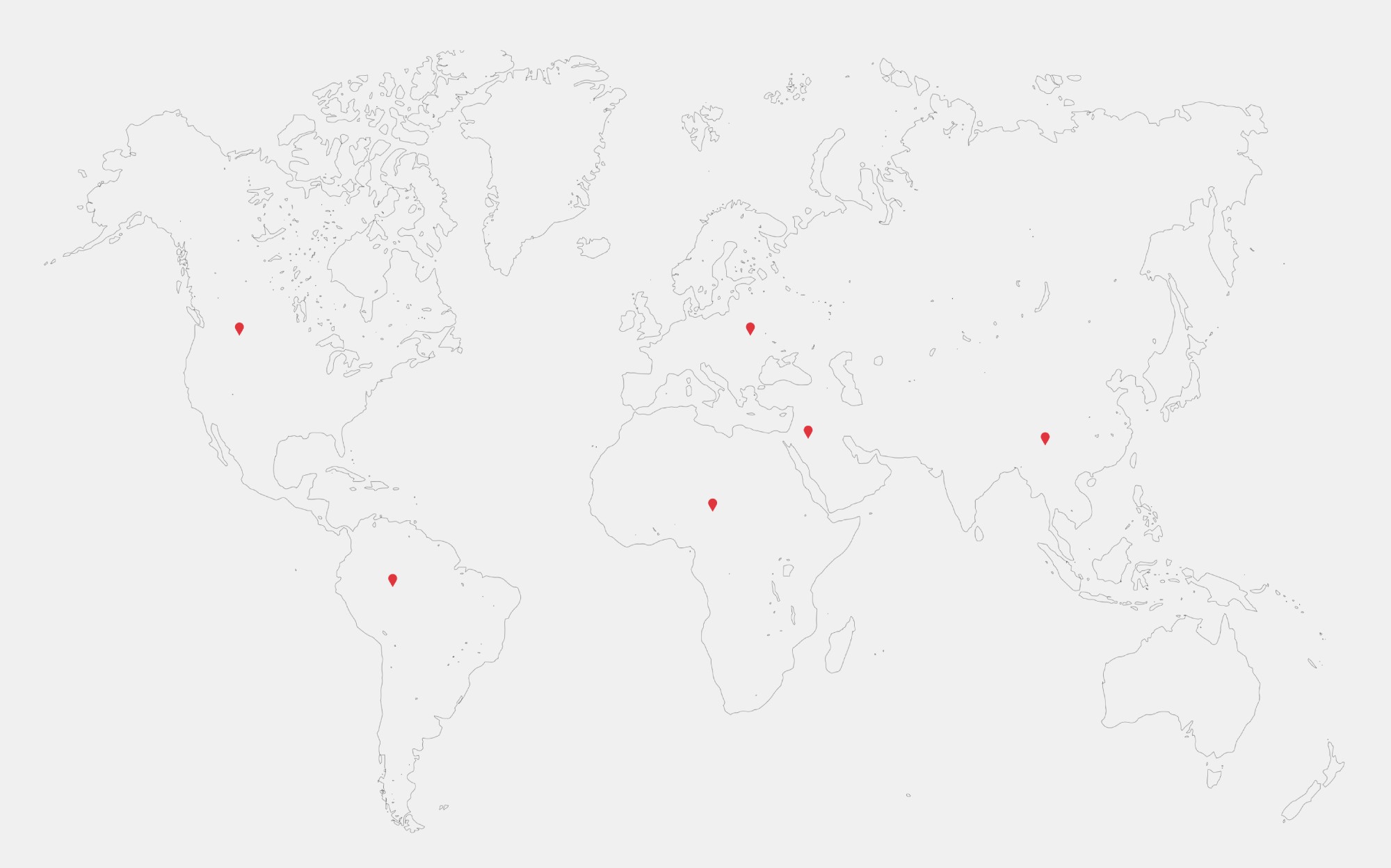
Global presence
Our 430+ employees enable frontline healthcare workers to perform simple and convenient point-of-care tests,
with lab-quality results that don’t compromise on accuracy
HemoCue in numbers
74m
Tests performed per year
across disease areas
69+
Countries served
across the globe
227+
Global employees
committed to care
21+
Years of innovation
fuelled by engineering excellence